Where we are and how to reach Eja Consulting in Tirana
Find out how to reach Eja Consulting in Tirana easily and avoid any stress with traffic or parking....
Read more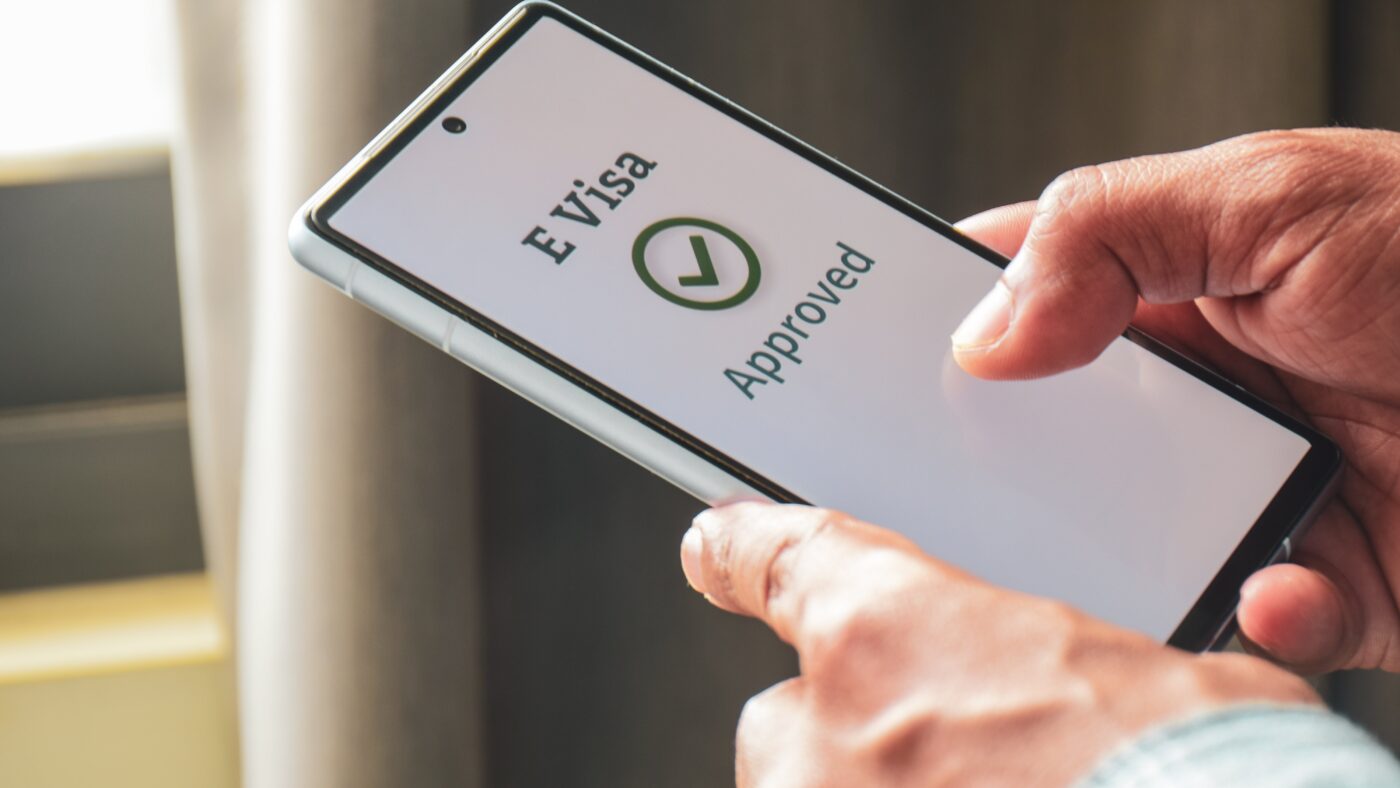
The UK government has announced that from 25 February 2026, UK visas will no longer be issued in passports; instead, they will only be accessible online as an eVisa.
This change has caught many UK visa applicants unprepared, and many are unsure about the process, what an eVisa means, how the process works and so on.
Essentially, the only significant change with the eVisa is the removal of the physical visa (sticker) in the passport. This means the application process remains the same and nothing has changed in that respect.
UK visa applicants will still:
After this first stage, which has not changed at all, it is important to note that applicants’ passports will be returned on the day they give their fingerprints.
This means your passport will no longer be held while your application is processed, as it was before.
When you receive the email with the outcome of your visa application, you will be told the next steps for accessing your visa online (eVisa).
This step is extremely important, because if you do not enter your details correctly, you may have difficulty accessing your eVisa.
In the email you receive from the UK immigration authorities, you will be asked to create an online account using the link they send you.
To create the account, you will need:
Please note: The details you enter when creating the account must match the details in your visa application. Any discrepancy may cause problems with accessing your visa.
At the end of the registration process, you will receive an email inviting you to sign in and access your visa.
Whenever you sign in or are asked to show your online eVisa status, you will be asked for your login details:
These must be accurate and match your original registration.
You will need to go through this procedure every time you travel to the United Kingdom, so it is very important that it is done accurately and correctly.
Although the move to eVisas may seem new and a little confusing at first, in practice the application process remains the same.
The main difference is how you access your visa after it has been approved, so it is very important to follow the registration steps carefully and make sure your details are correct.
Find out how to reach Eja Consulting in Tirana easily and avoid any stress with traffic or parking....
Read moreSchengen visa for Filipino citizens: a practical guide. Filipino citizens need a Schengen visa if they want to...
Read moreThe United Kingdom, or England as we often call it for short, has become one of the most...
Read more
Hello! 👋 How can we help with your visa?
Start a chat on WhatsApp